How to Manage Commercial E-Waste in the Northern Territory
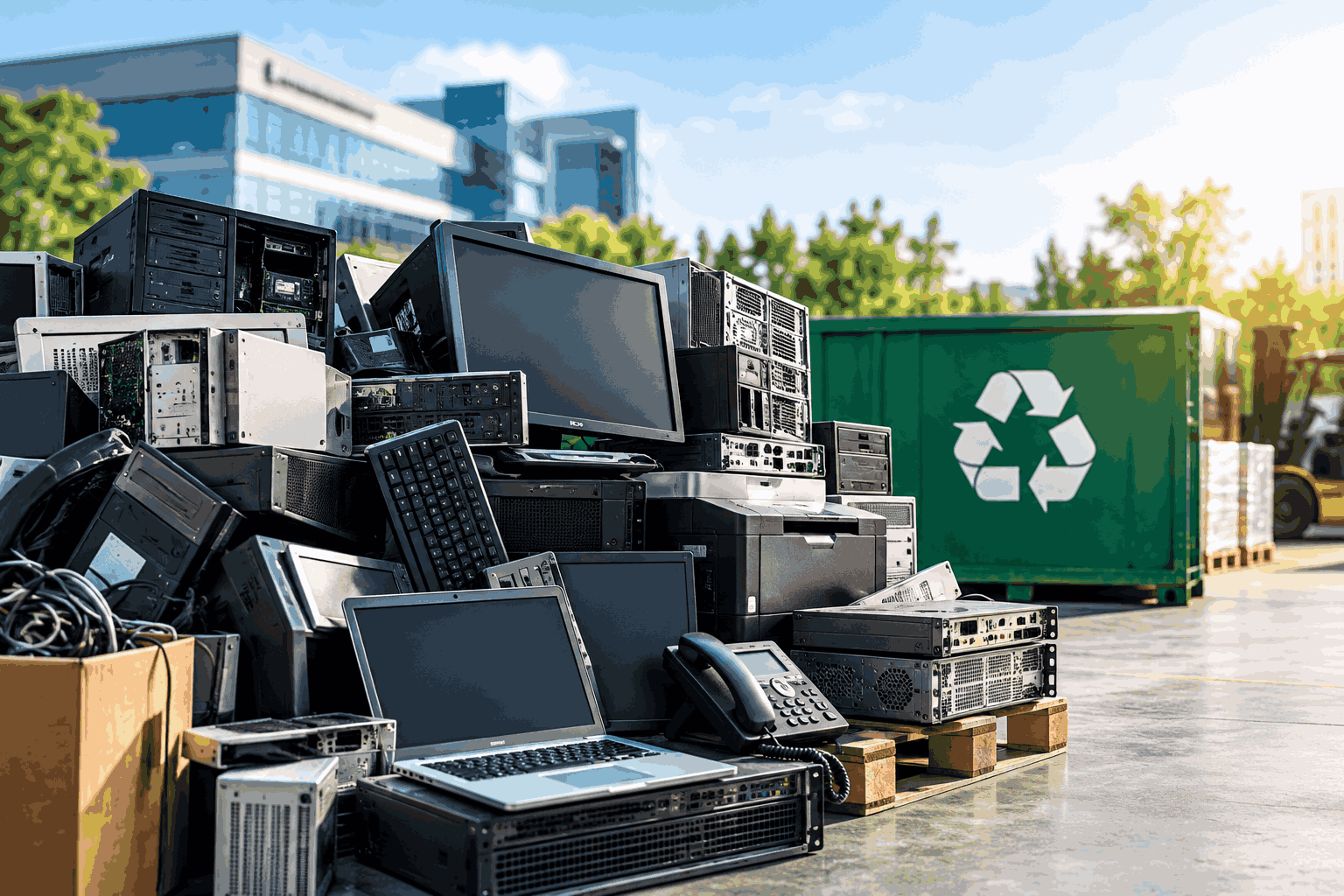
Commercial e-waste needs a proper plan before it leaves your business.
Old computers can contain business data. Broken monitors can contain valuable materials. Batteries can create safety risks. Large equipment clear-outs can also produce a significant amount of waste in a short time.
For businesses in the Northern Territory, the disposal process needs extra planning. Waste options can depend on the type of equipment and where your business is located. The NT Government also notes that certain waste activities may require environmental approval or a licence.
So how should a business manage commercial e-waste in the NT?
The first step is to separate e-waste from general waste. Then identify the equipment and check the right disposal pathway.
In short Summary
A good commercial e-waste process should cover the full journey of your equipment.
- Identify your old electronic equipment.
- Separate e-waste from general waste.
- Protect data stored on devices.
- Keep batteries separate where required.
- Check local disposal requirements.
- Choose an appropriate recycling provider.
- Track equipment during collection.
- Keep records of recycling and data destruction.
- Look for reuse and value recovery before recycling.
A clear process can make e-waste easier to manage. It can also reduce the chance of valuable equipment or sensitive information being handled incorrectly.
What Counts as Commercial E-Waste?
Commercial e-waste includes unwanted electrical and electronic equipment from business activities.
The most common items include:
- Desktop computers
- Laptops
- Servers
- Monitors
- Printers
- Photocopiers
- Mobile phones
- Tablets
- Networking equipment
- Keyboards and mice
- Cables and chargers
- Power supplies
- UPS equipment
- Electronic tools
- Storage devices
- Batteries
Old equipment should not automatically be treated as general waste.
City of Darwin identifies e-waste as including items such as computers, printers, mobile phones and other electronics. The council also warns that some electronic items contain materials that should not end up in landfill.
Why Is Commercial E-Waste Different From Household E-Waste?
Commercial e-waste needs a different approach because businesses usually have more equipment to manage.
A business may replace dozens of computers during one technology upgrade. An office relocation can create another large batch of unwanted equipment.
Data is another major difference.
Business computers and storage devices may contain customer records, employee information and confidential company files. That means the equipment needs to be considered from both an environmental and data security perspective.
Disposal options can also differ.
City of Darwin states that its A-Z recycling guide is for residents and that recycling and disposal options may differ for commercial operators.
How Should NT Businesses Start Managing E-Waste?
Start by creating an inventory of the equipment you want to retire.
An inventory gives you a clear picture of what needs to leave the business. It can include asset tags, serial numbers and equipment types.
This step is especially useful for larger IT refresh projects.
You can then separate equipment into different groups.
Group 1: Equipment That Can Be Reused
Reusable equipment may still have value.
A working laptop may be suitable for redeployment. A monitor may be used by another team. Some equipment may also have resale value.
Reuse should be considered before recycling where practical.
Group 2: Equipment That Needs Recycling
Broken or obsolete equipment should enter an appropriate e-waste recycling stream.
Recycling allows useful materials to be recovered.
This can include metals, plastics and components that can be processed for further use.
Group 3: Equipment That Contains Sensitive Data
Data-bearing equipment needs an additional step.
Computers, laptops, servers and storage devices should be reviewed before they leave your control.
The data should be securely erased or destroyed using a method that matches the sensitivity of the information.
What Should Businesses Do With Data on Old IT Equipment?
Data should be dealt with before data-bearing equipment moves out of the business.
A simple file deletion is not the same as a controlled data destruction process.
Businesses should identify storage devices before disposal. They should also keep a record of what happened to each device.
A secure process can include data sanitisation or physical destruction.
The OAIC says organisations covered by the Privacy Act need to take reasonable steps to protect personal information. It also says personal information that is no longer needed should generally be destroyed or de-identified where required.
This makes data destruction services an important part of commercial e-waste management.
What Should Happen to Batteries?
Batteries need separate handling in many cases.
Lithium-ion batteries can create fire risks when damaged or handled incorrectly. City of Darwin has warned residents that batteries should not be placed in kerbside recycling or general waste. The warning followed a recycling truck fire caused by a lithium-ion battery.
Businesses should therefore avoid mixing loose batteries with general e-waste.
Damaged batteries need particular care.
A business should follow the guidance of its recycling or waste provider for storage and transport.
Can Businesses Take E-Waste to Shoal Bay?
Businesses should check the current commercial rules before taking e-waste to Shoal Bay.
City of Darwin provides residential e-waste disposal options at Shoal Bay. However, its current 2025–26 commercial waste information states that commercial e-waste such as printers, photocopiers, TVs and computer equipment is not accepted at Shoal Bay.
This is an important difference for businesses.
A disposal option that works for a household may not work for a commercial load.
Businesses should confirm the accepted waste categories before transporting equipment to a facility.
What Are the NT Waste Management Requirements?
NT businesses need to follow the waste rules that apply to their activities.
The Waste Management and Pollution Control Act 1998 provides the main legislative framework for waste management in the Territory. The NT EPA oversees certain waste activities. Some activities involving listed waste require an environmental protection licence.
Not every business that generates electronic waste will have the same licensing obligations.
The requirements can depend on the type of waste and the activity being carried out.
Businesses should check the applicable NT requirements before setting up their own collection or processing arrangements.
Does Location Matter in the Northern Territory?
Location can affect how a business manages its e-waste.
The NT Government says disposal options depend on the type of waste and the business location. It recommends checking with the relevant local or regional council for disposal information.
This matters outside Greater Darwin.
Businesses in regional and remote areas may need to plan collections around equipment volumes and transport arrangements.
Consolidating equipment into a planned collection can also make the process easier to manage.
How Should Businesses Store E-Waste Before Collection?
E-waste should be stored in a secure area while it is waiting for collection.
Data-bearing equipment should have restricted access.
Batteries should be stored separately where appropriate. Damaged equipment should also be identified before collection.
Keep equipment away from areas where it could be damaged by water or other materials.
A simple storage process can prevent problems before the equipment even leaves your site.
How Can Businesses Reduce E-Waste?
Businesses can reduce e-waste by extending the useful life of equipment.
Not every slow computer needs to be replaced immediately.
A device may be suitable for repair or redeployment. Some equipment can also be refurbished for another user.
This approach keeps products in use for longer.
The NT Government’s Circular Economy Strategy identifies reuse, recycling and resource recovery as opportunities for the Territory. The strategy also highlights e-waste as an area with potential for stronger recycling and recovery activity.
What Happens to E-Waste After Collection?
Collected e-waste should go through a controlled recovery process.
Equipment can first be assessed for reuse or value recovery.
Items that cannot be reused can then be dismantled or processed through appropriate recycling streams.
Different materials are separated during this process.
Metals can be recovered. Plastics can be sorted. Other components can be sent through specialised recycling pathways.
The aim is to recover as much useful material as possible instead of treating every item as general waste.
Why Is E-Waste Recycling Important for NT Businesses?
E-waste recycling helps businesses keep useful materials out of landfill.
Electronic equipment contains materials that can be recovered and used again.
The NT Government has identified commercial and industrial waste and e-waste as important areas for improving recycling outcomes. Its Circular Economy NT program specifically included e-waste and photovoltaic solar panels among the waste streams targeted for improved resource recovery.
Recycling can also help businesses improve their waste management practices.
It gives businesses a clearer way to track what happens to retired equipment.
How Can Businesses Keep Better Records?
Good records make e-waste management easier to track.
Keep information about the equipment collected from your business.
Useful records can include:
- Asset numbers
- Serial numbers
- Equipment type
- Collection date
- Collection location
- Data destruction records
- Recycling records
- Weight or material records
- Certificates supplied by the recycling provider
A clear record can help with internal reporting.
It can also make large IT disposal projects easier to manage.
Should Businesses Use a Professional E-Waste Recycler?
A professional recycler can make commercial e-waste easier to manage.
This is particularly useful when a business has a large volume of equipment or multiple locations.
A suitable provider can manage collection and sorting. The provider can also handle data-bearing equipment and recycling pathways.
Before choosing a provider, ask how the company handles data destruction and recycling.
Ask where the equipment goes after collection.
Ask what documentation you receive.
Also check whether the provider can handle the types of equipment your business needs to dispose of.
What About Old Solar Panels?
Solar panels can also become a commercial e-waste issue.
Businesses may need to manage damaged panels during maintenance. Large solar projects can also create significant volumes when panels reach the end of their useful life.
The NT Government has specifically identified PV solar panels within its e-waste and circular economy programs.
Solar panels should therefore have their own disposal plan.
A business should not assume that old panels can be handled in the same way as ordinary office electronics.
Common Commercial E-Waste Mistakes
Businesses can avoid many problems by addressing a few common mistakes.
Putting e-waste in general waste
Electronic equipment should not be treated like ordinary office rubbish.
Darwin’s recycling guidance specifically says e-waste and cables should not go into the yellow recycling bin.
Forgetting about data
Old computers and storage devices can still hold sensitive information.
Data security should be addressed before disposal.
Mixing batteries with other equipment
Loose batteries can create fire risks.
Keep them separate and follow the appropriate handling process.
Assuming residential rules apply to businesses
Commercial disposal can have different conditions.
Always check the current requirements before transporting a large commercial load.
Keeping old equipment indefinitely
Unused equipment can take up valuable space.
It can also become harder to track as time passes.
Review stored equipment regularly.
A Simple Commercial E-Waste Process
Businesses can make the process easier with a simple workflow.
Step 1: Identify the equipment
Find the devices that are no longer needed.
Step 2: Record the assets
Capture serial numbers and asset information.
Step 3: Check the data
Identify computers and storage devices that may contain sensitive information.
Step 4: Separate the equipment
Keep e-waste away from general waste. Separate batteries where required.
Step 5: Check disposal requirements
Confirm the correct pathway for your location and waste type.
Step 6: Arrange collection
Use an appropriate commercial waste or e-waste provider.
Step 7: Destroy or sanitise data
Make sure data-bearing devices are handled securely.
Step 8: Reuse or recover value
Identify equipment that can be redeployed or recovered for value.
Step 9: Recycle the remaining equipment
Send unsuitable equipment through an appropriate recycling process.
Step 10: Keep the records
Store certificates and other disposal information for your records.
Commercial E-Waste Management in the Northern Territory FAQs
What is commercial e-waste?
Commercial e-waste is unwanted electrical or electronic equipment generated through business activities.
It can include computers, laptops, servers, monitors, printers, phones, cables and other electronic equipment.
Can businesses put e-waste in the recycling bin?
No. E-waste should not be placed in the standard yellow recycling bin in Darwin. Businesses should use an appropriate commercial disposal or recycling pathway.
Can commercial e-waste be taken to Shoal Bay?
Businesses should check the current commercial conditions before taking e-waste to Shoal Bay.
City of Darwin’s 2025–26 commercial waste information states that commercial printers, photocopiers, TVs and computer equipment are not accepted at Shoal Bay.
What should businesses do with old computers?
Old computers should be assessed before disposal.
Check whether they can be reused or redeployed. If they are ready for disposal, deal with the stored data first and then send the equipment through an appropriate recycling pathway.
How should businesses handle old hard drives?
Hard drives should be securely sanitised or physically destroyed based on the sensitivity of the information and the business’s data security requirements.
Keep a record of the destruction process.
How can businesses reduce commercial e-waste?
Businesses can reduce e-waste by extending equipment life where practical.
Repair and redeployment can keep devices in use for longer. Equipment that cannot be reused should be sent to an appropriate recycling stream.
How Cyber Recycling Can Help NT Businesses
Cyber Recycling helps businesses manage the end of the IT asset lifecycle.
Our services cover commercial e-waste recycling and IT asset disposal. We also provide secure data destruction for equipment that contains business information.
This gives businesses one process for managing old IT equipment.
We can help with equipment collection and asset handling. We can also support responsible recycling and recovery.
Conclusion
Commercial e-waste should not be treated like ordinary business waste.
A proper process helps protect your data. It also makes sure old equipment is handled through the right recycling pathway.
For businesses in the Northern Territory, Cyber Recycling can help make commercial e-waste disposal easier. Our Perth office supports businesses with the collection and responsible disposal of unwanted IT equipment and commercial e-waste.
Whether you are clearing out an office or replacing large volumes of IT equipment, we can help you manage the process from collection through to secure data destruction and recycling.
Need to clear commercial e-waste from your business? Contact Cyber Recycling to discuss how we can help.
 Copy Link
Other Blog

Data Protection Risks and How to Mitigate…
09-21-2026
How much data does your business have sitting on its systems right now? Think about customer details. Employee…

Secure Data Destruction: A Complete Guide for…
09-21-2026
Every business laptop, server, USB drive and phone that has ever held customer records or financial data becomes…
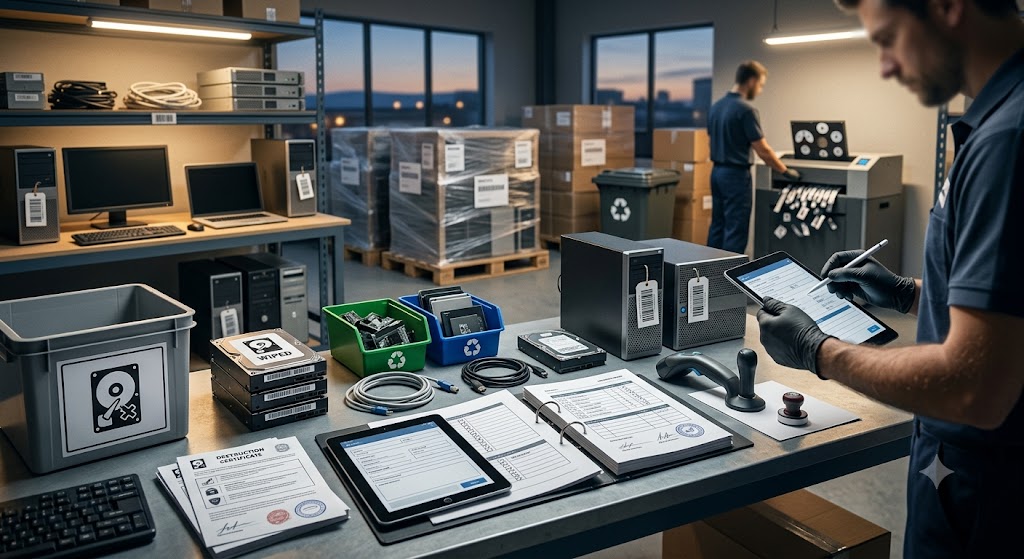
What Records Should Businesses Keep When Disposing…
08-20-2026
Australian businesses disposing of IT equipment must retain financial tax invoices, asset depreciation schedules, serialised Certificates of Data…