How Often Should Businesses Replace Computers?
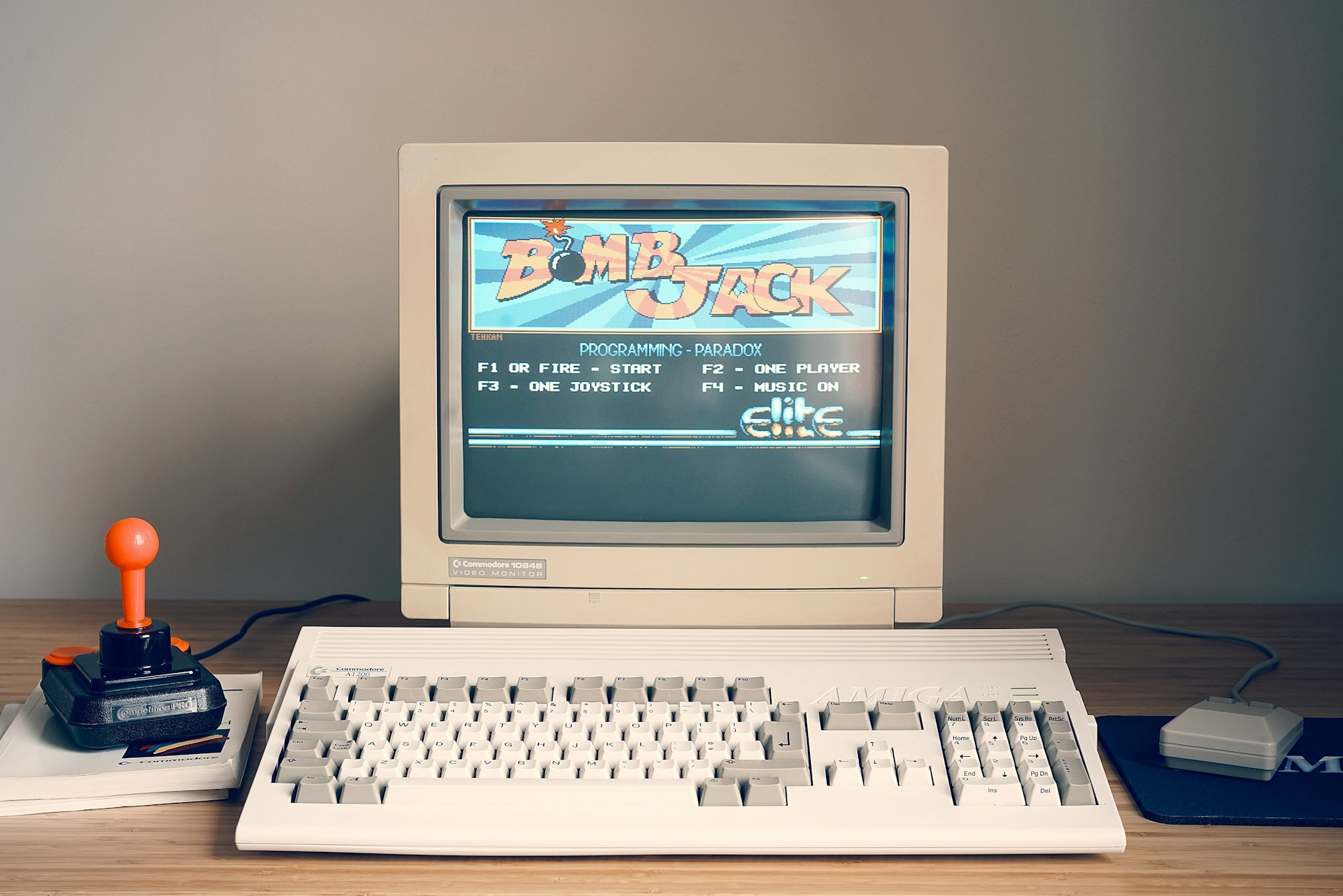
Most business computers should be replaced every 3 to 5 years. This is the ideal computer replacement cycle for businesses because it improves performance, keeps your data secure, reduces costly repairs, and makes e-waste recycling easier when old devices reach the end of their life.
Every business depends on computers for daily work. From sending emails to managing customers and creating reports, office computers help employees stay productive. As computers get older, they become slower, less secure, and more expensive to maintain. That is why having a proper hardware replacement plan is important.
How Long Do Business Computers Last?
The average lifespan of business computers is usually 3 to 5 years. However, the lifespan depends on how they are used and how well they are looked after.
With regular computer maintenance, some computers may last longer. But keeping old computers for too many years can lead to more problems than benefits.
When to Replace Business Computers
Not every computer needs replacing at the same time. Here are some signs that show when to replace business computers.
Signs it’s time to replace business computers
- The computer takes a long time to start.
- Programs keep freezing or crashing.
- Employees complain that the computer is too slow.
- Repairs are becoming more frequent.
- The device no longer supports the latest software.
- Security updates are no longer available.
If you notice several of these problems, it is probably time for a computer replacement.
Business Computer Upgrade vs Replace
Many businesses wonder whether they should upgrade their computers or replace them completely.
A simple upgrade may be enough if:
- The computer is still fairly new.
- Only extra memory or storage is needed.
- The device still supports the latest software.
Replacing the computer is often the better choice if:
- It is more than five years old.
- Repairs are becoming expensive.
- Performance is affecting employee productivity.
- Security updates have stopped.
Choosing a business computer upgrade vs replace depends on the age, condition, and performance of the device.
Why Old Computers Cost More
Many businesses delay replacing computers because they want to save money. However, the cost of keeping old computers is often higher than expected.
Old computers can cause:
- More repair bills.
- Lost work time.
- Slower employee performance.
- Higher security risks.
- Unexpected breakdowns.
These problems can reduce business efficiency and increase costs over time.
Outdated Computers and Security Risks
One of the biggest concerns with old computers is security.
Outdated computer security risks include:
- Missing security updates.
- Greater chance of cyber attacks.
- Higher risk of data loss.
- Reduced protection for business information.
Replacing older devices helps keep your business and customer data safe.
Best Practices for Managing Business Computers
A planned hardware refresh strategy helps businesses avoid unexpected problems.
Good computer refresh cycle best practices include:
- Replace computers every 3–5 years.
- Perform regular computer maintenance.
- Monitor device performance.
- Plan upgrades before computers fail.
- Follow IT asset lifecycle management and PC lifecycle management to track and replace devices on time.
Recycle Your Old Business Computers
Once your office computers are replaced, don’t throw them away. Choose responsible computer replacement with professional e-waste recycling. If your business is also replacing old displays, computer monitor recycling can help ensure unwanted monitors are handled properly instead of being sent to landfill.
Final Thoughts
Knowing how often businesses should replace computers helps businesses stay productive, improve security, and reduce repair costs. For most companies, replacing business computers every 3 to 5 years is the best approach. Along with regular computer maintenance, a planned hardware replacement strategy and responsible recycling will keep your business running smoothly while protecting the environment.
 Copy Link
Other Blog

Data Protection Risks and How to Mitigate…
09-21-2026
How much data does your business have sitting on its systems right now? Think about customer details. Employee…

Secure Data Destruction: A Complete Guide for…
09-21-2026
Every business laptop, server, USB drive and phone that has ever held customer records or financial data becomes…
What Records Should Businesses Keep When Disposing…
08-20-2026
Australian businesses disposing of IT equipment must retain financial tax invoices, asset depreciation schedules, serialised Certificates of Data…