11865

10 Common E-Waste Disposal Mistakes Businesses Make

Home / Blog / Recycling / 10 Common E-Waste...

10 Common E-Waste Disposal Mistakes Businesses Make

07-21-2026
Cyber recycling

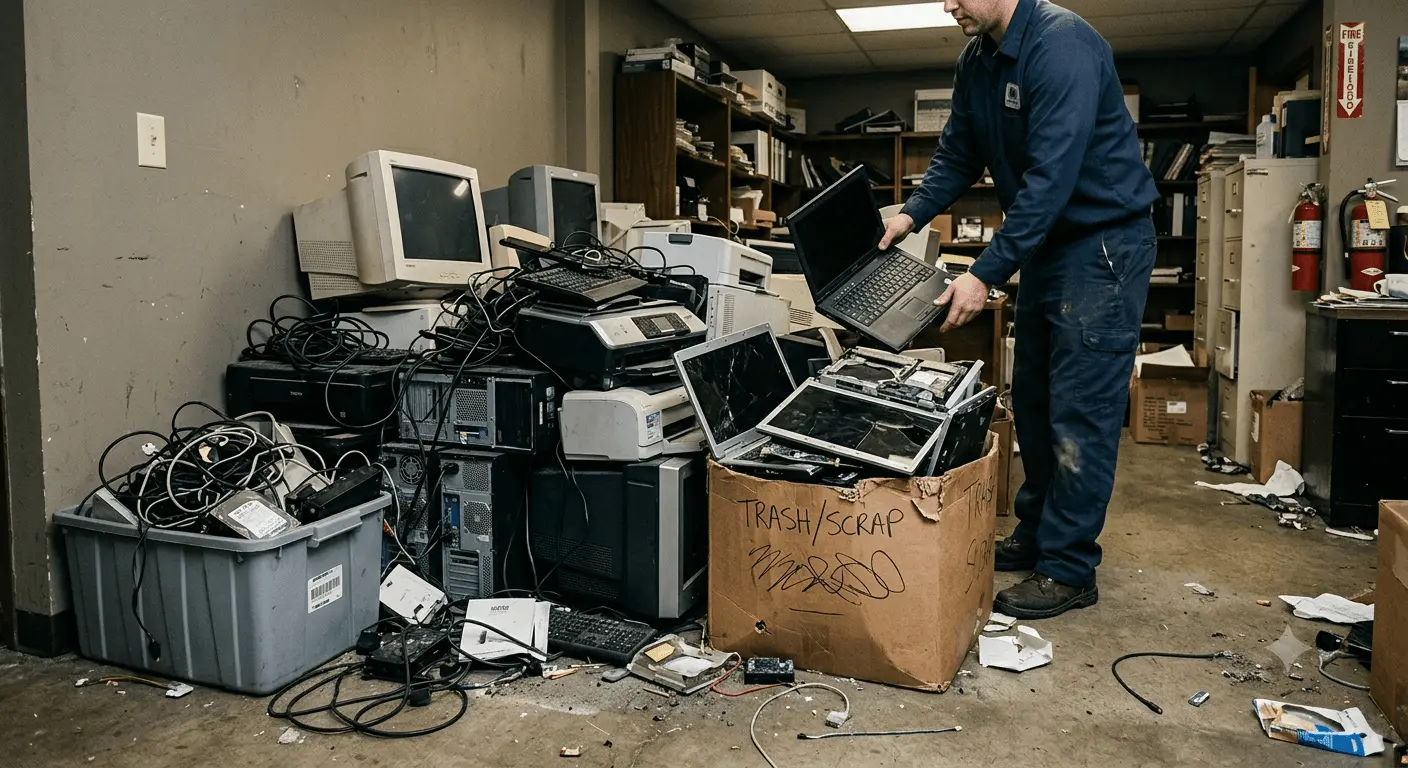
If you’re like most businesses, you’ve probably got a storage room or corner filled with old laptops, broken monitors, tangled cables, and outdated office equipment. It happens. Everyone upgrades technology eventually.

But here’s the thing. What happens after those devices are replaced matters more than many businesses realise.

A lot of companies make small E-Waste Disposal Mistakes without even knowing it. Some mistakes put sensitive business data at risk, while others harm the environment or even lead to compliance issues.

The good news? Most of these problems are easy to avoid.

Let’s look at the most common E-Waste Disposal Mistakes Businesses make and what you can do instead.

1. Leaving Old Devices in Storage

This is probably the biggest one.

Many businesses keep old computers “just in case.” Months turn into years, and suddenly there’s a pile of unused equipment collecting dust.

Besides taking up valuable space, those devices may still contain confidential company or customer data. If someone gains access, it could become a serious security issue.

2. Throwing Electronics in General Waste

It might seem easier to toss broken keyboards or old printers into the nearest bin.

But electronic devices aren’t ordinary rubbish. They contain materials that should be handled through proper electronic waste disposal and e-waste recycling programs.

Sending them to landfill means valuable materials are wasted, and harmful substances may end up in the environment.

3. Forgetting to Erase Data Properly

Deleting files isn’t the same as removing them forever.

Hard drives, SSDs, and other storage devices often hold recoverable information even after a quick format.

That’s why secure e-waste disposal is so important. Professional data wiping or physical destruction ensures your business information stays protected.

4. Using Unlicensed Disposal Services

Not every company offering waste collection is equipped to handle electronics responsibly.

A licensed provider understands safe IT asset disposal, data security, and environmental regulations.

Choosing the cheapest option without checking credentials can create more problems later.

5. Ignoring Small Office Electronics

Everyone remembers old computers.

But what about phones, routers, cables, tablets, keyboards, chargers, and external hard drives?

These smaller items are still office electronic waste and deserve the same level of care as larger equipment.

6. Waiting Until It Becomes a Huge Problem

We’ve all seen it.

One old monitor becomes five. Then twenty computers. Before long, an entire storage room is full.

Regular business e-waste management keeps things organised and prevents large clean-up projects that take time and money.

Think of it like cleaning your office. Doing a little often is much easier than dealing with years of clutter.

7. Missing Recycling Opportunities

Many electronic devices contain valuable materials like aluminium, copper, steel, and even precious metals.

Proper electronic equipment recycling helps recover these materials so they can be used again instead of being mined from scratch.

It’s a simple step that supports a more sustainable future.

8. Not Keeping Disposal Records

For many businesses, especially larger organisations, keeping records matters.

Documenting how equipment was collected, recycled, or destroyed helps demonstrate responsible e-waste disposal and supports internal compliance requirements.

It also provides peace of mind if clients or auditors ever ask how old equipment was managed.

9. Treating Every Device the Same

Not every piece of technology should be handled identically.

Some equipment can be refurbished. Others should be recycled. Devices containing sensitive information may require certified data destruction before anything else happens.

A professional assessment ensures every item follows the right path.

10. Waiting Until Equipment Completely Fails

Businesses sometimes keep outdated computers running long after they’ve become unreliable.

Older devices often slow productivity, increase repair costs, and eventually create a much larger disposal project.

Planning regular upgrades makes computer recycling and corporate e-waste recycling much easier to manage over time.

Why These Mistakes Matter

At first glance, these mistakes don’t seem like a big deal.

But together, they can lead to security risks, unnecessary storage costs, environmental damage, and missed recycling opportunities.

The good news is that building better habits doesn’t require a complete overhaul. It simply means having a clear process for retiring old technology and working with a trusted recycling partner.

Make E-Waste Disposal Simple with Cyber Recycling

At Cyber Recycling, we help businesses dispose of unwanted electronics safely, securely, and responsibly.

From old computers and laptops to servers, monitors, networking equipment, and other office electronics, our team makes the process straightforward. We also provide secure data destruction and environmentally responsible recycling, so you don’t have to wonder where your equipment ends up.

Technology moves fast. Your old equipment doesn’t have to become tomorrow’s problem.

If your office has a growing pile of outdated devices, now’s a great time to clear the space, protect your data, and choose a smarter way to recycle. Cyber Recycling is here to help make that happen.

Share this article :
Use the form below to get in touch with Cyber Recycling

Other Blog

Data Protection Risks and How to Mitigate…

09-21-2026

How much data does your business have sitting on its systems right now? Think about customer details. Employee…

Secure Data Destruction: A Complete Guide for…

09-21-2026

Every business laptop, server, USB drive and phone that has ever held customer records or financial data becomes…
What Records Should Businesses Keep When Disposing…

08-20-2026

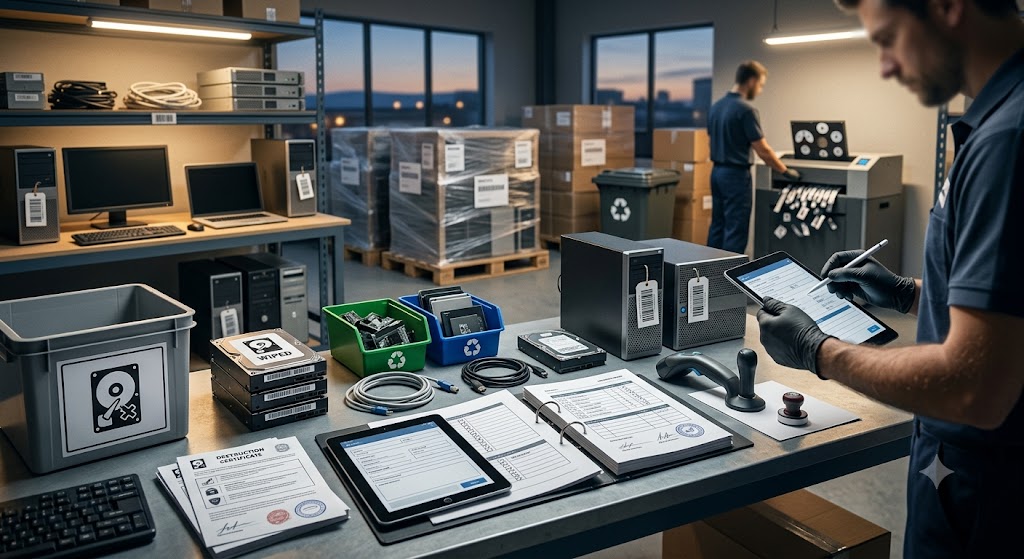
Australian businesses disposing of IT equipment must retain financial tax invoices, asset depreciation schedules, serialised Certificates of Data…


Our Partners
partner
partner
partner
partner
partner
partner
partner
partner
partner
partner
partner
partner